










It’s easy to copy files between your iPhone/iPad and your Mac using File Explorer.
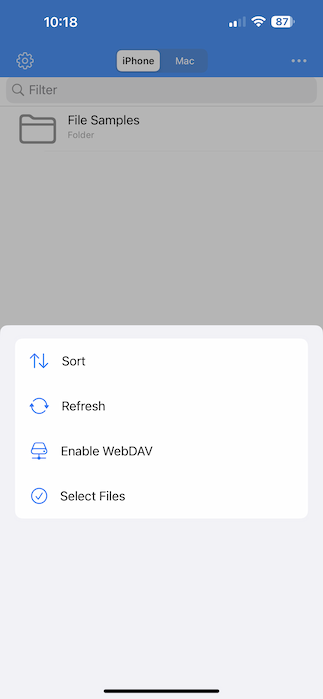
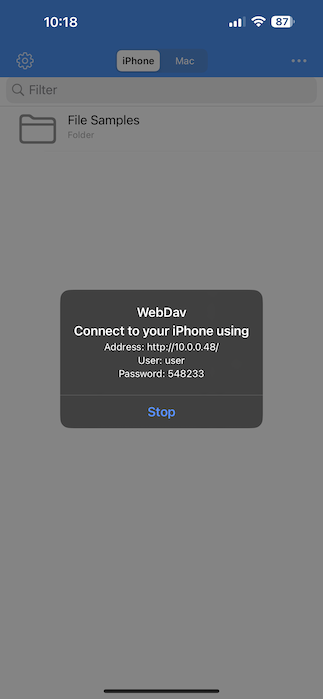
Enable WebDAV on your device by selecting device storage in the app, tapping the More button (…) in the top right corner, then selecting “Enable WebDAV.”
 |  |
Then open Finder on your computer, and select “Go” from the menu bar, “Connect to Server…”
 |  |
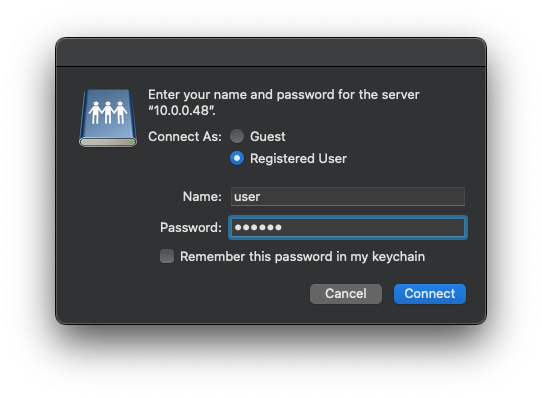
Enter the username and password as they appear in the app and click “Connect.”
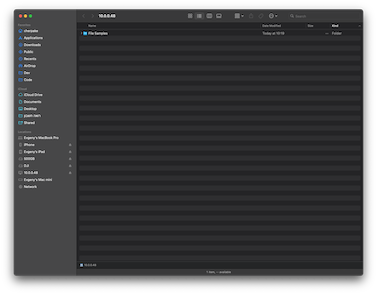
Now you can copy files to and from your device like a regular drive.
 | 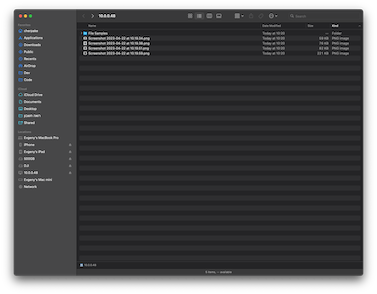 |
When you finish transferring files, disconnect the drive in Finder, and tap “Stop” in the app.